Business Basic
Best for teams who primarily need email, Teams, and browser-based file access – and for employees who aren't at a computer all day.

Support in Swedish
Phone, chat, and email during Swedish business hours.
One invoice for your entire cloud
Licenses and services in one place with CloudHub.
We'll handle the transfer
Switching providers happens without downtime.
Best for teams who primarily need email, Teams, and browser-based file access – and for employees who aren't at a computer all day.
Perfect for teams that work in Word, Excel, and Outlook daily and need the apps installed on their computers, not just in a browser.
Ideal for businesses that handle customer data or sensitive information and need strict control over devices, permissions, and what leaves the organization.
Office apps Word, Excel, PowerPoint, and Outlook
Email with company domain
Teams meetings
Cloud storage per user
Collaboration spaces and video editing
Microsoft Loop and Clipchamp
Conditional access and two-factor authentication
Microsoft Entra ID Plan 1
Centralized device management
Microsoft Intune Plan 1
Windows 11 Pro upgrade
Basic protection against spam and malware
Advanced attachment and link analysis Microsoft Defender for Office 365 Plan 1
Swedish support and consolidated billing
For larger organizations, we build a custom license mix with E3, E5, or E7 based on your business needs. E7 is Microsoft's agent-first license, which includes AI agents rather than requiring them as add-ons. In these cases, we start with a conversation rather than a price list.

Business Standard gives you the Office apps installed on your computer. Business Premium adds control over devices, permissions, and information.
+ Control over sign-ins.
Require two-factor authentication, control who can sign in from where, and disable an account immediately when someone leaves.
+ Manage computers and mobile devices in one place.
Deploy settings, keep devices up to date, and remotely wipe company data if a phone goes missing.
+ Protection for email and information.
Attachments and links are analyzed more thoroughly. Sensitive data can be marked to prevent it from leaving the company by mistake.
Some AI is already included in your licenses: Copilot Chat comes with Microsoft 365 and by default uses the web as its source, not your own files and emails. Microsoft 365 Copilot is the paid version that works inside the apps you already use, with your own content. Here are four scenarios where it makes the biggest difference for a small business:
Copilot summarizes the meetings you missed and the email threads that have grown, pulling out what's actually waiting for your response.
Teams and Outlook
Copilot drafts your proposal, report, or customer email based on existing materials. You review and refine instead of starting from scratch.
Word and Outlook
Ask in plain language how sales have trended by quarter and get both charts and an explanation of what's driving the results.
Excel
What was in that contract, or what was decided in the May meeting? Copilot searches your files, emails, and meetings and provides answers with sources.
SharePoint, OneDrive, and Teams
It only displays content the user already has access to in Microsoft 365. That's why we review your SharePoint permissions before activating Copilot. Otherwise, this is a common reason rollouts get off to a bad start.
Regardless of tier, the foundation is the same. Microsoft 365 (M365) is a subscription service rather than a one-time software purchase: email, meetings, documents, and storage all live in the same environment and are continuously updated.

Business email on your own domain, with calendar and contacts synced to your mobile. Scheduled meetings and your inbox stay connected.

Teams brings together chat, video meetings, and project files in one place. You can invite customers and partners without requiring a separate license.

Word, Excel, PowerPoint, and Outlook – always up to date. Multiple users can work in the same file at once without version conflicts.

Each user gets 1 TB of OneDrive storage, plus shared spaces in SharePoint. Access files from desktop, mobile, or browser.
The licenses are the same regardless of where you buy them. The difference is in what's included around them.
Same licenses and apps, activated in your own environment.
You manage licenses and users through the Microsoft portal.
Separate invoice for Microsoft licenses, independent of your other services.
You handle setup and migration yourself or procure it separately.
Expert guidance in Swedish to help you choose the right tier and skip what you don't need.
Technical migration of email, files, and accounts with zero downtime.
Licenses and users managed in CloudHub, with full cost visibility per service.
Microsoft licenses and other cloud services on a single invoice.
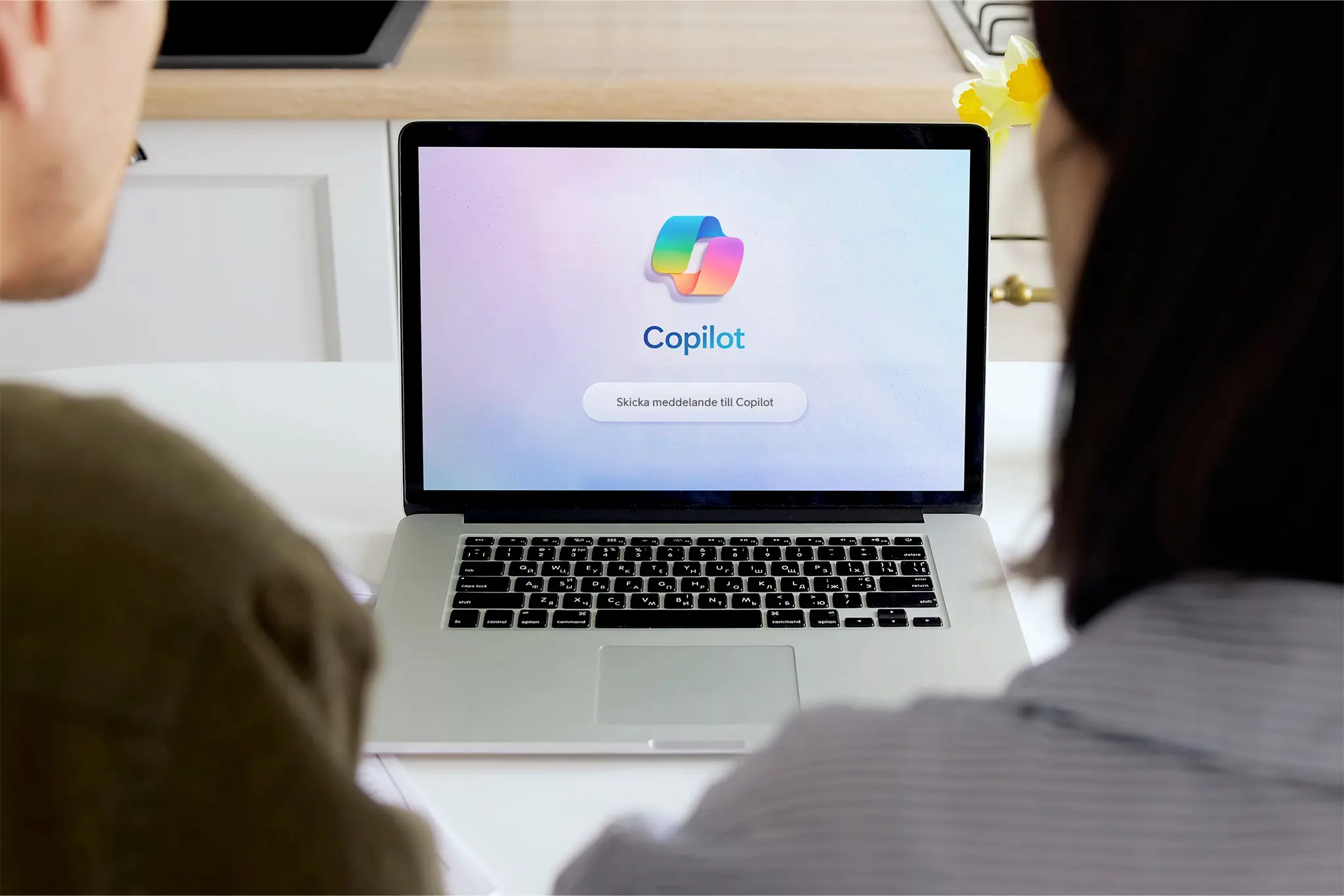
Copilot is the AI that works alongside your team – right inside Teams, Word, Outlook, and Excel. It summarizes meetings, drafts content, and answers questions about your own data. As your partner, we make sure the rollout is secure and that Copilot actually delivers value.

With Acronis via Telia, you can block phishing and malware before it reaches your inbox. You'll also have a backup of your data to restore from if needed. One contract, one invoice, and support in Swedish.

The portal where you manage licenses, view costs by service, and scale up or down.